
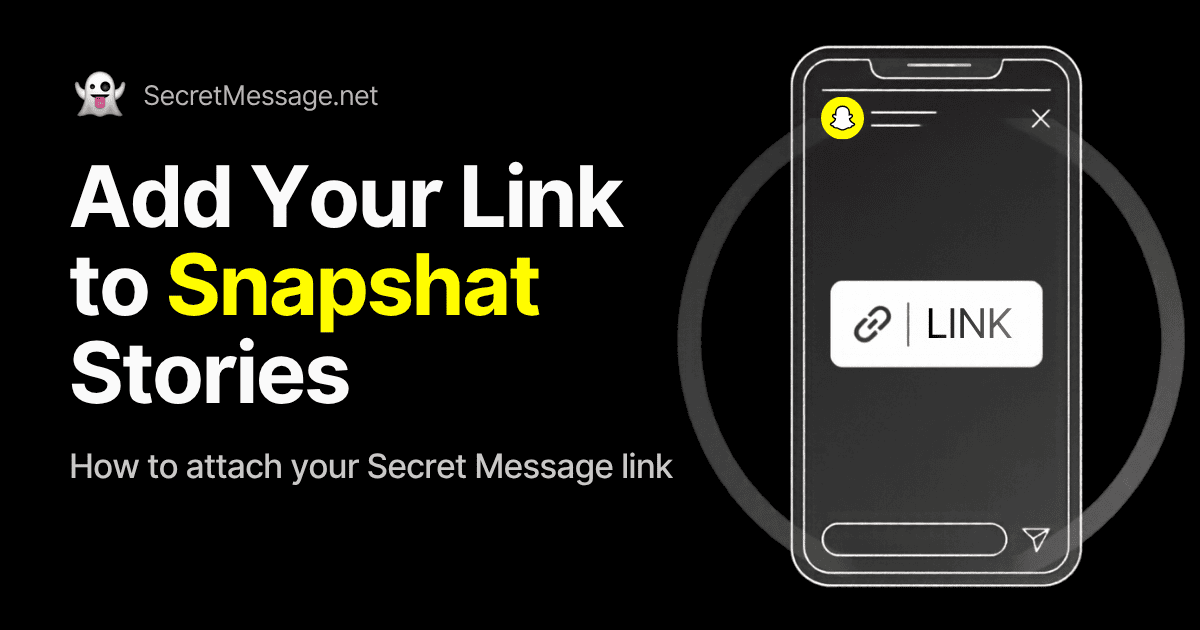
Snapchat is one of the most natural platforms for anonymous Q&As because its audience is fast, casual, and built around quick photo exchanges. By attaching your Secret Message link directly to a Snap, your friends and story viewers can swipe up or tap the bottom banner to open your inbox immediately.
Get Your Link Ready
You need your personal message URL before opening Snapchat. If you have not created one yet, follow our step-by-step guide to create your secret message link. Once you set up your profile and receive your URL, tap copy to save it to your clipboard.
How to Attach Your Secret Message Link to a Snap
Snapchat makes adding web links simple through the paperclip tool on the editing screen. Here are the exact steps to attach your URL:
- Capture your Snap: Open Snapchat and take a photo or record a short video clip with the camera. You can also pick an image from your Memories or camera roll.
- Tap the Paperclip icon: Look at the vertical toolbar on the right side of your preview screen. Tap the paperclip icon (the link attachment tool).
- Paste your secret message link: Paste your URL into the top search bar that says “Type a URL.” If your phone has clipboard suggestions enabled, your copied link may appear right below the search bar.
- Search and preview: Tap the search icon or enter key on your keyboard. Snapchat will load a live in-app preview of your Secret Message link so you can confirm it is working.
- Tap “Attach to Snap”: At the bottom of the preview screen, tap the blue button labeled “Attach to Snap.” You will return to your Snap editor, and a small link pill will appear pinned to the bottom of your image.
- Add text and callouts: Tap anywhere on your Snap to add text. Write an inviting prompt like “Swipe up to send a secret message” or “Ask me anything anonymously.” You can also tap the sticker icon and search for “Swipe Up” or arrow GIFs to point viewers directly to the link bar.
- Send your Snap: Tap “Story” in the bottom-left corner to post it to My Story, or tap the blue send arrow to share it with your Private Story or specific friends.
Tips to Get More Swipes on Snapchat
Snapchat users tap through stories rapidly, often skipping past posts in less than two seconds. To make sure people actually pause and swipe up, use these simple formatting tricks:
- Use bright arrow stickers: Many viewers do not notice the paperclip banner at the bottom unless it is pointed out. An animated arrow pointing downward immediately catches the eye.
- Post with a curiosity-driven prompt: A blank screen gets skipped. A specific prompt makes people stop. Try prompts like “Tell me a confession you have kept from me,” “What is my biggest red flag?”, or “Who do you think I should date?”
- Post during high-activity hours: Snapchat engagement tends to peak in the late afternoon and evening when friends are done with classes or work.
- Screenshot and answer replies on your Story: When you start getting anonymous messages on your Message Board, take a screenshot of each card, paste it into a new Snap, and add your public answer. When your friends see that you are actively replying, it creates a chain reaction and prompts more people to send messages.
If you need more question ideas, explore our full list of 50+ questions to ask using an anonymous message link.
Troubleshooting Snapchat Link Issues
If you run into issues while attaching or opening links on Snapchat, check these quick fixes:
- Paperclip icon is missing: The paperclip only appears on the preview screen after you take or select a photo. If it still does not show up, check your device app store to make sure your Snapchat app is on the latest version.
- “Invalid URL” warning: Make sure the link was copied completely and starts with https://. Partial links like “secretmessage.net” without the web scheme can sometimes fail validation in the Snapchat editor.
- Link opens slowly in the app: If the in-app browser runs slowly on an older phone, viewers can tap the three-dot menu at the top of the browser view and choose “Open in Safari” or “Open in Chrome.”
Frequently Asked Questions
Can I see who swiped up or sent a message on Snapchat?
No. Snapchat only tells you how many people viewed your Story. It does not track who taps external links, and Secret Message never collects or reveals personal identities. Messages sent to your board are entirely anonymous.
Do my friends need to install anything to reply?
No. Swiping up on your Snap opens your web link directly inside Snapchat’s built-in browser. Your friends simply type their message and tap send without signing up or leaving the app.
How do I share my link on other social apps?
You can share the exact same link everywhere. Check out our detailed tutorials on adding your secret message link to Instagram Stories and sharing your link on WhatsApp Status.