
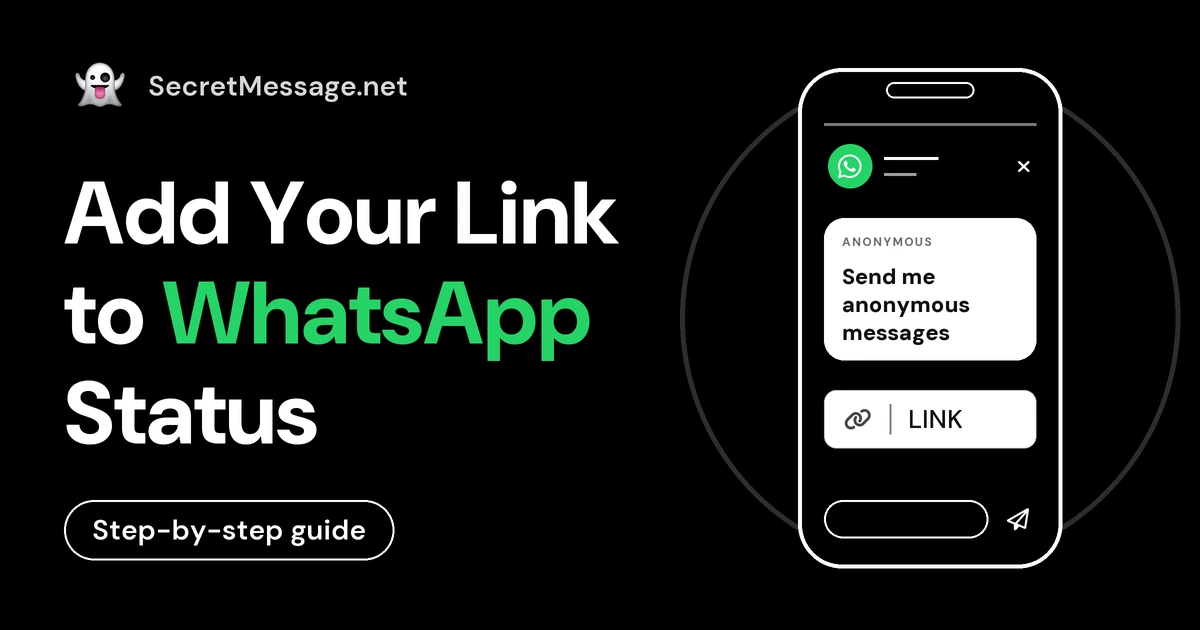
To share an anonymous message link on WhatsApp, post it as a text Status: open Status, choose My Status, tap Text, type a short prompt, paste your link and send. Your contacts can then tap the link and send you a message without a name. This guide covers the steps, who can see your Status, and what to do if the link is not tappable. It is written for anyone looking for an anonymous message link for WhatsApp.
Can you send an anonymous message on WhatsApp?
Not directly. WhatsApp is tied to a phone number, so a normal message shows who sent it. What works is a link: the person who wants honest messages shares an anonymous message link, and anyone who opens it can write to them without giving a name. That is the idea behind the WhatsApp Status “secret message” game.
Get your link first
Create your link before you open WhatsApp. If you have not made one, follow our guide to creating your link and copy it. For the bigger picture, read our complete guide to anonymous message links.
How to post your link as a WhatsApp Status
- Open WhatsApp and go to your Status. On newer versions this sits in the Updates tab.
- Choose My Status, then Text.
- Type a short prompt, such as “Send me an honest message. I won’t know who it’s from.”
- Paste your link. WhatsApp shows a preview of a link in a Status automatically, so wait a moment for it to appear.
- Pick a background colour and font if you like, then tap send.
WhatsApp’s own steps are in its Help Center articles How to create and share a status and How to manage status privacy. The app changes often, so names and positions may differ on your phone.
A Status disappears after 24 hours. Your link keeps working, so post a new Status whenever you want more messages.
Send it in a chat or a group
A Status is not the only option. You can paste your link into a one-to-one chat or a group, and WhatsApp shows a preview that people can tap. Use a chat when you want to ask one person, and a group when everyone in it is happy to see the link. Sending the same link to many people one by one can look like spam, so choose people who will answer.
Choose who can see it
By default your Status is visible to your contacts, and WhatsApp does not offer an Everyone option. In the Status privacy settings you can choose:
- My contacts, which shows it to everyone in your address book.
- My contacts except, which hides it from people you pick, such as relatives or coworkers.
- Only share with, which limits it to a short list of close friends.
A change in these settings does not affect a Status you have already posted. A Status posted to a group is visible to all its members, so only post it there if you are happy for everyone to see it. Smaller audiences also tend to send kinder messages.
Prompts that get replies
- “What is one memory with me that you will never forget?”
- “Tell me something nice you have never said to my face.”
- “Give me one piece of advice you think I need right now.”
- “Guess who my secret crush is. Wrong answers only.”
For more, see our 60+ anonymous questions to ask.
If the link is not tappable
- Paste the whole link, starting with https://, so WhatsApp recognises it as a link.
- Some viewers report that links in a Status are not tappable unless they have your number saved. WhatsApp’s help pages do not say this, so test it with a friend before relying on it.
- If a link still will not open, copy it into a browser to check that it works.
Frequently Asked Questions
Can you send an anonymous message on WhatsApp?
Not from WhatsApp itself, since messages come from your number. You can send one through an anonymous message link that someone has shared in a Status, chat or group.
What is the WhatsApp Status secret message game?
People post a link in their Status and invite contacts to send an honest message without a name. It works with any anonymous message link, including yours. Follow the steps above to post it.
Can I find out who sent a message?
No. Your inbox shows the message itself, not the sender: no phone number, no name and no IP address.
Can I put the link in a WhatsApp group?
Yes, paste it like any other link. Everyone in the group can see it, so only post it where you are happy for all members to see it.
Do people need WhatsApp to message me?
No. The link opens in a web browser, and anyone who opens it can send you a message from there.
Where else can I share my link?
The same link works on Instagram Stories, Snapchat, Facebook and Messenger and Telegram.
WhatsApp is one of several places to share your link. The complete guide to anonymous message links covers them all.