
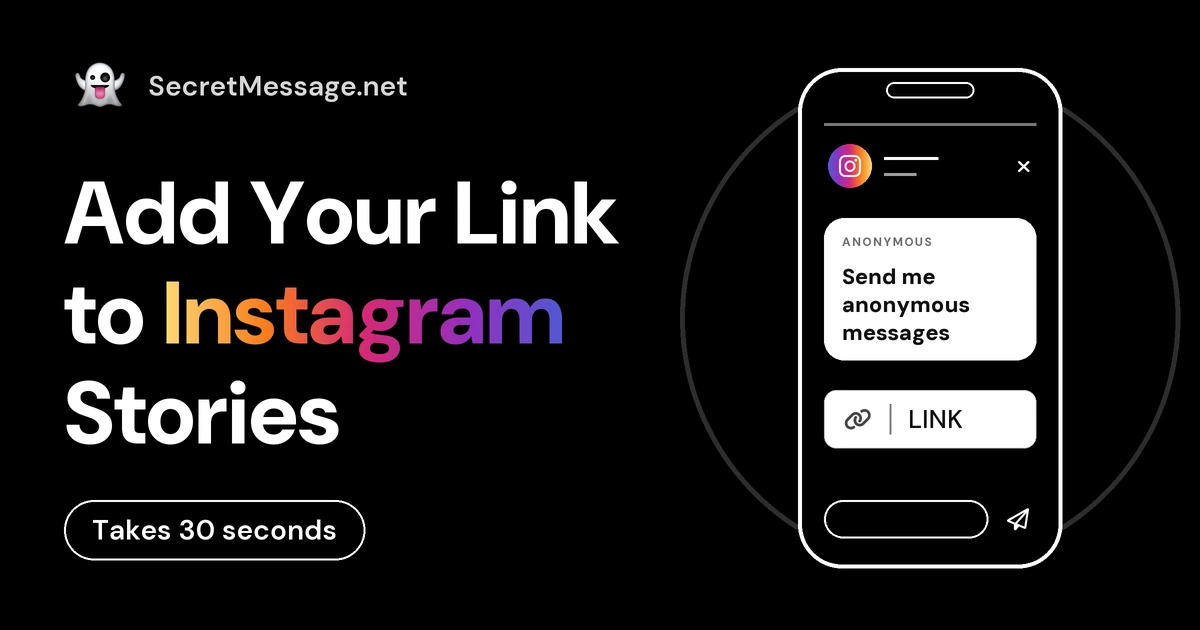
To add a secret message link to an Instagram Story, create a Story, open the sticker tool, choose the Link sticker, paste your URL and post. Anyone who taps the sticker can write you an anonymous message without an account. This guide covers the steps, how to keep the link up after 24 hours, and what to do if the sticker is missing.
Can you send an anonymous message on Instagram?
Not from Instagram itself. Direct messages and comments show your username. What works is a link: the person who wants honest messages puts an anonymous message link in a Story or in their bio, and anyone who opens it can write without giving a name.
Get your link ready
You need your personal link before you open Instagram. If you do not have one yet, follow our guide to creating your link, then copy the link to your clipboard.
How to add the link to your Instagram Story
- Open Instagram and create a Story. Take a photo or video, or upload one you already have.
- Open the sticker tool from the top of the screen.
- Choose the Link sticker and paste your URL.
- Change the sticker text if you like, for example to “Send me an anonymous message”, so people know what the link is.
- Place the sticker where it is easy to see and tap, then post the Story. You can share it with everyone or only with Close Friends.
These steps follow Instagram’s announcement about link stickers and Instagram’s guide to Stories. Instagram changes its app often, so button names and positions may differ on your phone. Instagram also says the old swipe-up feature is gone, so the Link sticker is the way to do it.
Put the link in your bio
A Story disappears, but your bio stays. Open Edit profile and look for the Links field, then paste your link and save. Add a few words in your bio, such as “Send me an anonymous message”, so visitors know what the link is. Instagram changes its menus often, so check the current wording on your phone.
Keep your link up after 24 hours
A Story disappears after 24 hours unless you save it. To keep your link on your profile, add the Story to a Highlight while you are viewing it, and give the Highlight a clear name such as “Messages”. People who visit your profile later can open the Highlight and tap the sticker.
Prompts that get replies
A link on a blank background gets fewer taps than one with a question on it. Write the prompt on the Story itself:
- “What was your first impression of me?”
- “Tell me one thing I should work on.”
- “Send me a song you think I’d like.”
- “Ask me something you were too shy to ask in person.”
For more ideas, see our list of 60+ anonymous questions to ask.
If the Link sticker is missing or not working
- Update Instagram from your app store, then restart the app.
- Instagram says new accounts, or accounts that have repeatedly broken its rules, may not have the link sticker. If yours is missing, that could be why.
- If the link does not open, paste it into your phone’s browser to check it works, then create the sticker again.
- For problems with the app itself, Instagram’s Help Center is the best place to look.
Frequently Asked Questions
Can you send an anonymous message on Instagram?
Not through Instagram, because DMs show your username. You can send one through an anonymous message link that someone has put in their Story or bio.
Is an anonymous message on Instagram safe?
The message arrives in your inbox without a name, and you can delete any message you do not like. Read our Trust and Safety page and are anonymous message links really anonymous? to see what is and is not stored.
Can I see who sent me a message?
No. Your inbox shows the message, its style and the time it was sent, not the sender.
Do my followers need an account to send a message?
No. The link opens in a web browser, and anyone who opens it can write a message from there.
Can I use the same link on other apps?
Yes. See our guides for WhatsApp Status, Snapchat, Facebook and Messenger and Telegram.
Instagram is just one place your link works. Our complete guide to anonymous message links covers the rest.